Metronome
楽器練習のためのメトロノーム兼チューナーです。
チューニング(Tuning)
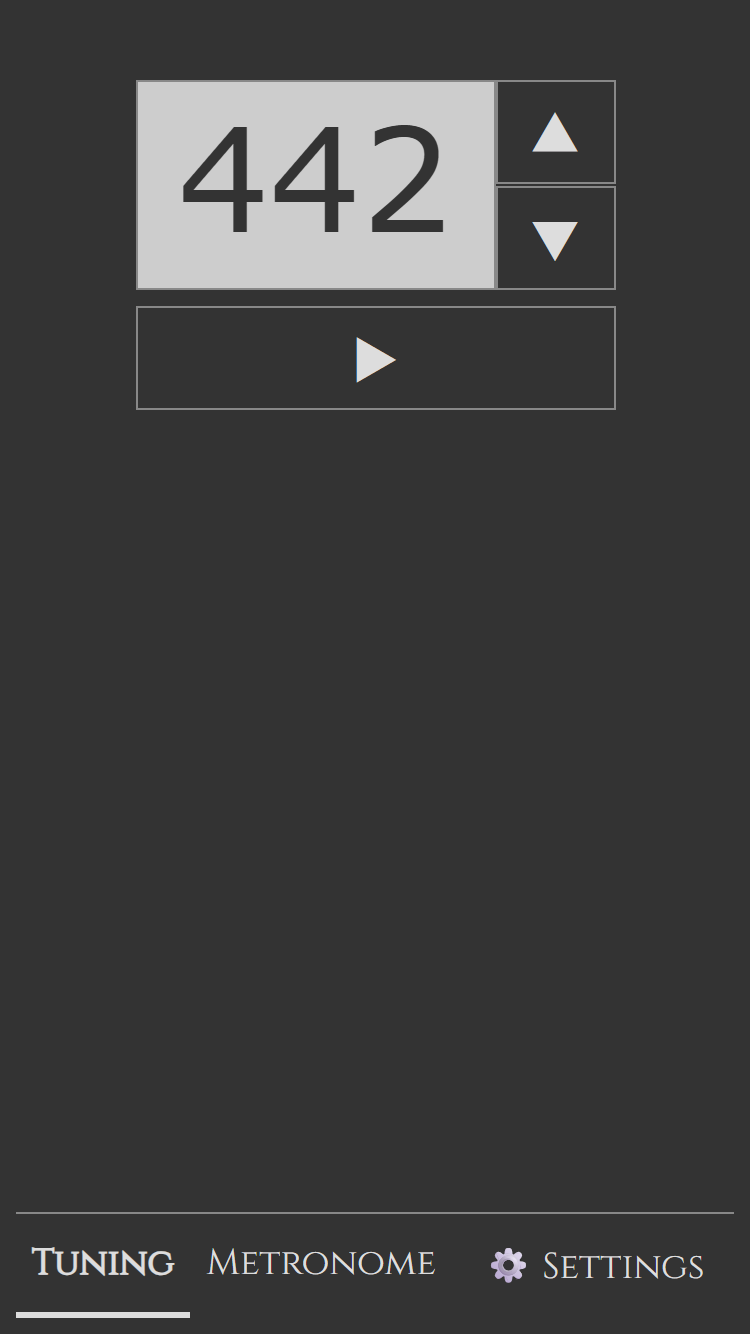
「チューニング」タブでは A の音が出ます。
初期設定は 442 Hz ですが、上下ボタンで調整できます。
メトロノーム(Metronome)
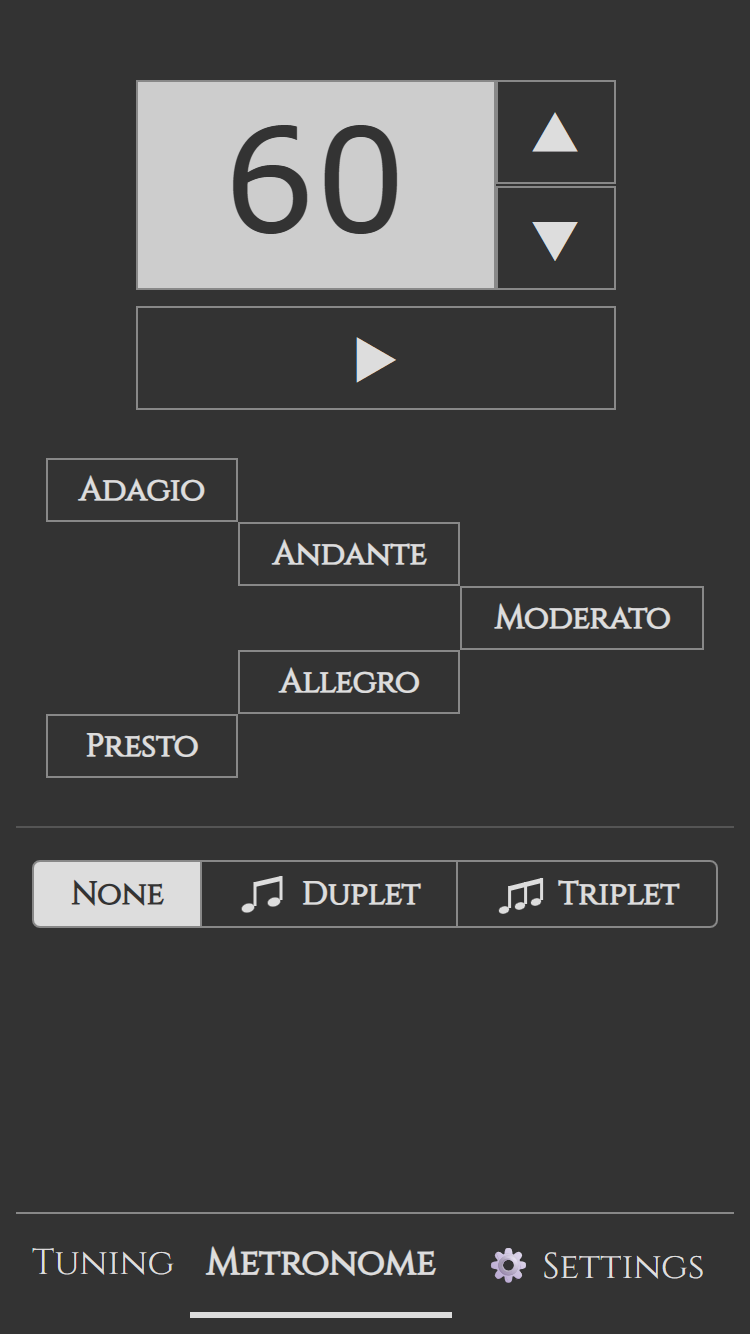
「メトロノーム」タブではメトロノーム機能が利用できます。
数字の横の上下ボタンでテンポを上げたり下げたりできます。
長押しすると連続で変化します。
プリセットボタンを使うと便利です。
Andante・Moderato などのボタンを押すとそのテンポに設定されます。
簡単にテンポを変更できるので練習がはかどります。
Duplet・Triplet ボタンは 1 拍を 2 等分、3 等分して鳴らすボタンです。
例えば、4 分音符としてテンポを取りながら練習していたけれど少し細かく 8 分音符で拍子をとりながら丁寧に練習したいというときがあります。
そんな時は、Duplet ボタンを押すと簡単に 8 分音符に切り替えられます。
同じように、8 分の 6 拍子を 2 拍で練習していて、8 分音符で拍子をとりたいときには Triplet ボタンです。
設定(Settings)
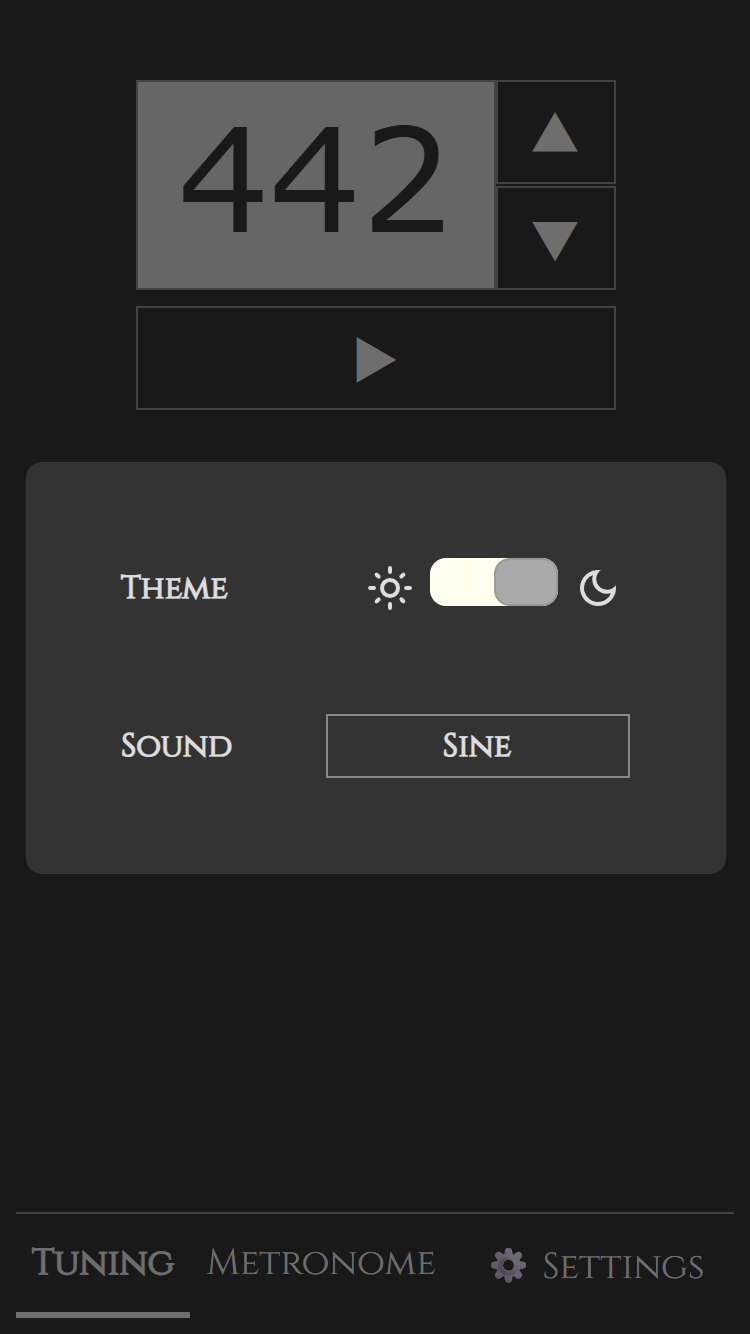
音の音色も変更できます。
設定画面から Sound 項目で変更してみてください。
意外と音色によって聞き取りやすさが違うので好みのものを選んでください。
This is a metronome and tuner app for instrument practice.
Tuning
In the “Tuning” tab, an A note is played.
The default setting is 442 Hz, but you can adjust it using the up and down buttons.
Metronome
In the “Metronome” tab, you can use the metronome function.
You can increase or decrease the tempo using the up and down buttons next to the number.
Press and hold the button to change the value continuously.
Using the preset buttons is convenient.
Press buttons such as Andante or Moderato to set the tempo to that marking.
This makes it easy to change the tempo and helps your practice progress smoothly.
The Duplet and Triplet buttons divide one beat into two or three subdivisions.
For example, you might be practicing with the tempo counted as quarter notes, but want to practice more carefully by counting eighth notes instead.
In that case, pressing the Duplet button lets you easily switch to eighth-note subdivisions.
Similarly, when practicing 6/8 time in two beats, if you want to count the eighth notes, you can use the Triplet button.
Settings
You can also change the sound of the metronome.
Try changing it in the Sound option on the Settings screen.
Different sounds can be surprisingly easier or harder to hear, so choose the one you prefer.